Missing Wix SEO titles and meta descriptions, written with Gemini
Finds pages, blog posts and products with no SEO tags, writes both from the page's own content, checks every suggestion and saves the approved ones back to Wix. It starts in dry run.
Links
n8n template 19685 · 18 working nodes, 7 sticky notes · verified creator
What it does
Wix writes a title like "Page Name | My Site" for every page, product and blog post, and leaves the meta description empty. Google then invents its own snippet.
This workflow finds every item with no real SEO tags, writes a title and meta description from the page's own content, and saves them back. It fills gaps only, so anything you wrote by hand stays untouched.
Who it is for
A Wix site with at least one of Wix Blog, Wix Stores, or static pages you want to rank.
The flow
- Every Monday at 9 the workflow calls the Wix SEO Metatags API for each item type you configure and collects the current SEO tags.
- It keeps only items missing a custom title or a meta description, optionally skipping noindex items, and limits the batch size.
- For store products it fetches the description, info sections, options and price range from the Wix Stores API.
- It sends the batch to the Gemini API in one call, with a strict JSON schema, to write a title and meta description for each item.
- It validates the output for length, duplicates and disallowed patterns (emoji, exclamation marks, all caps). In dry run it stops there. Otherwise it patches each approved item and reports the real HTTP status of every write.
- If nothing needs fixing, the run ends with an explanation of what it scanned and why each item was skipped.
Credentials it needs
- Wix API key: Header Auth named Authorization, on the three Wix HTTP nodes. It needs the permissions View SEO Settings, Manage SEO Settings and Read Products.
- Google Gemini API key: Header Auth named x-goog-api-key, on the Gemini node only.
The hard part
Two behaviours of the Wix SEO API fail silently, so the workflow handles both on purpose.
First, writing a tag replaces the item's entire tag set. Sending only a title and description wipes anything else there, including the noindex tag Wix puts on cart and thank-you pages. So the workflow reads each item's existing tags and merges, and only the title and description are touched.
Second, the bulk endpoint reports success for store products and saves nothing, and publish: true on pages and blog posts writes to a revision the editor never shows. So each item is written on its own through the single-item endpoint, page and blog tags go to the site draft, and the report shows the real HTTP status for every item.
Good to know. It starts in dry run (dry_run is true). Page and blog tags save to the site draft, so publish in the Wix editor to take them live. Store products go live straight away.
19685
verified creator
Explore the workflow
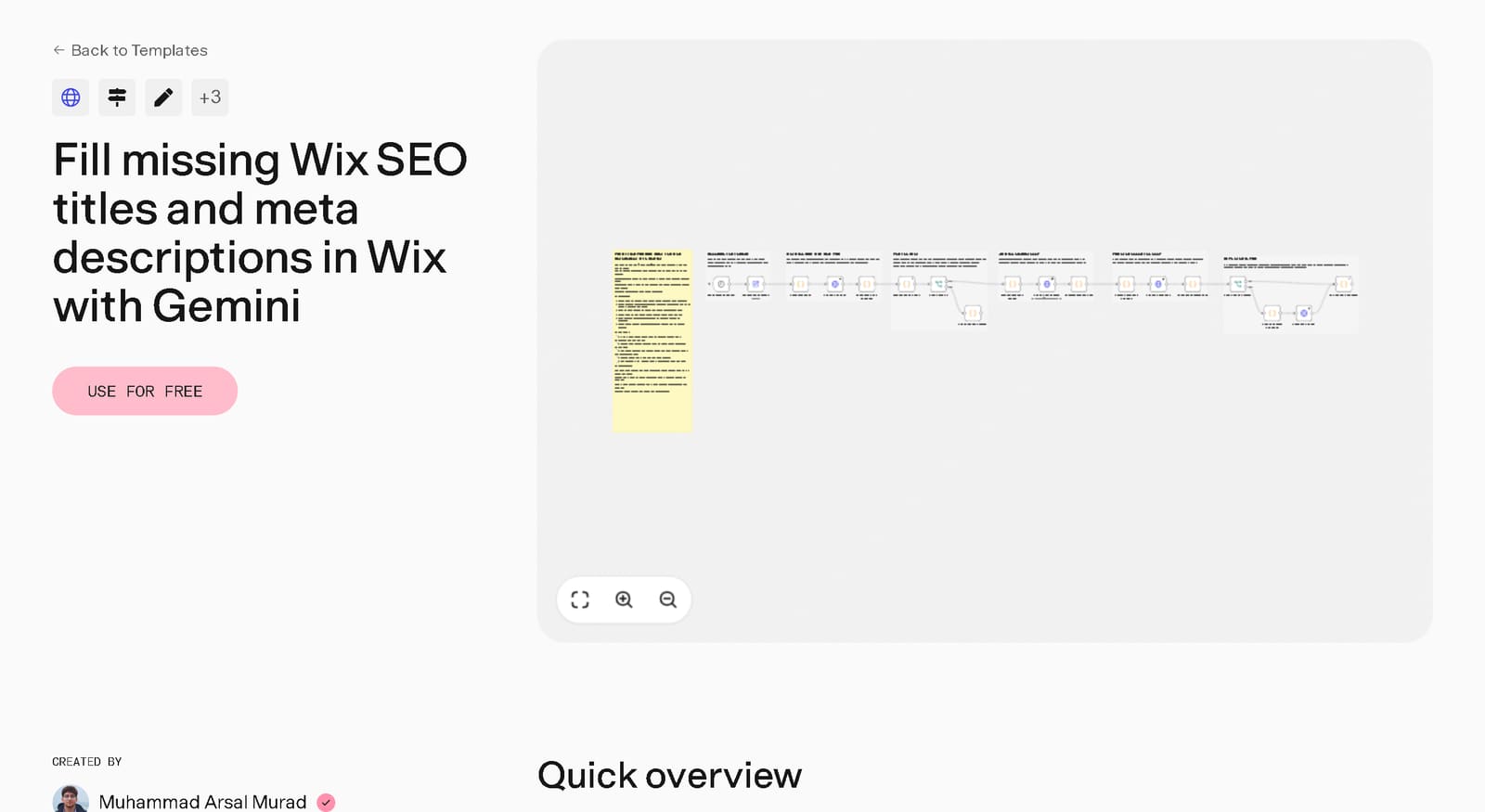
The live view is n8n's own preview. It loads only when you press the button, and your browser then sends this workflow to n8n's servers.
Want to talk?
Email hello@arsalmurad.com or book 20 minutes, and tell me what you're working on.